Guides
AI SaaS Landing Page Design: 12 Patterns AI Startups Use in 2026
Twelve design patterns for AI SaaS landing pages in 2026: showing real output, earning trust on data, and escaping the purple-glow look every AI startup shares.
AI products have a specific landing page problem. The category is crowded, the claims all sound alike, and many visitors arrive sceptical because they have tried several tools that over-promised. A page that looks like every other AI page tells them, before they have read a word, that this one is probably the same.
The general structure of a SaaS page still applies, and it is covered in the SaaS landing page design guide. The patterns below are the adjustments that matter specifically when the product is built on AI.
The AI landing page cliché
Put twenty AI startup pages side by side and the same elements repeat: a dark background with a purple or blue gradient, a glowing orb or abstract mesh in the hero, a sparkles icon next to the word AI, a headline promising to supercharge or 10x something, and a grid of six features with icons. None of these is wrong on its own. Together they have become the visual signature of a product nobody remembers.
| The cliché | Replace it with |
|---|---|
| Glowing orb or gradient mesh in the hero | A real input and the output your product produced from it |
| Supercharge your workflow | The specific job, done: Draft every support reply in your brand voice |
| Sparkles icon beside every feature | No icon, or a small screenshot of the feature itself |
| Purple and blue on near-black | A committed direction that fits your buyer, light editorial, warm, or technical |
| Six feature cards | Three capabilities shown as product screenshots |
| Powered by the latest models | What that means for the user: faster, more accurate, cheaper |
Twelve patterns that work
1. Show a real output in the hero
The single most effective change. Put an actual input on the left, the prompt, the document, the recording, and the actual output your product produced on the right. Visitors evaluating AI tools want to judge quality, and this lets them do it in the first five seconds.
2. A short demo above the fold
A muted, looping recording of the product completing one task, twenty to forty seconds long, framed simply. If you can safely offer a live try-it box without sign-up, that is even stronger, but a good recording beats a slow or unreliable live demo.
3. Name the job, not the technology
AI-powered is not a benefit, it is an implementation detail. The headline should describe the work that gets done. A visitor should be able to read it and know exactly which part of their week it replaces.
4. Show the workflow then and now
Two short columns: the steps the customer takes today, and the steps they take with your product. Count them. Fewer steps is a claim a visitor can check against their own experience, which makes it more persuasive than any adjective.
5. Be honest about accuracy
Say where the product is reliable, where it needs review, and how a human stays in control. Counterintuitively, admitting limits increases trust, because sceptical buyers assume every AI tool makes mistakes and respect the one that tells them where.
6. Answer the data question early
For business buyers, what happens to their data is often the deciding question. A short section high on the page covering whether customer data is used for training, where it is stored, and which certifications you hold saves a sales call and removes an objection that otherwise ends evaluations silently.
7. Use numbers you can back up
Time saved, accuracy rates and volumes processed are persuasive only when they are specific and defensible. One real figure from a named customer is worth more than three round numbers with no source.
8. Use cases by role
AI products are often horizontal, which makes the hero vague. Tabs or a short row of cards for three or four roles, each with its own screenshot and one specific sentence, let every visitor find the version of the product that is for them.
9. Explain usage-based pricing with examples
Credits, tokens and usage tiers confuse buyers. Translate them: what does a typical month of use cost, and what does one unit buy in real tasks? A small table of examples under the plans prevents the fear of a surprise bill.
10. Pick a visual direction on purpose
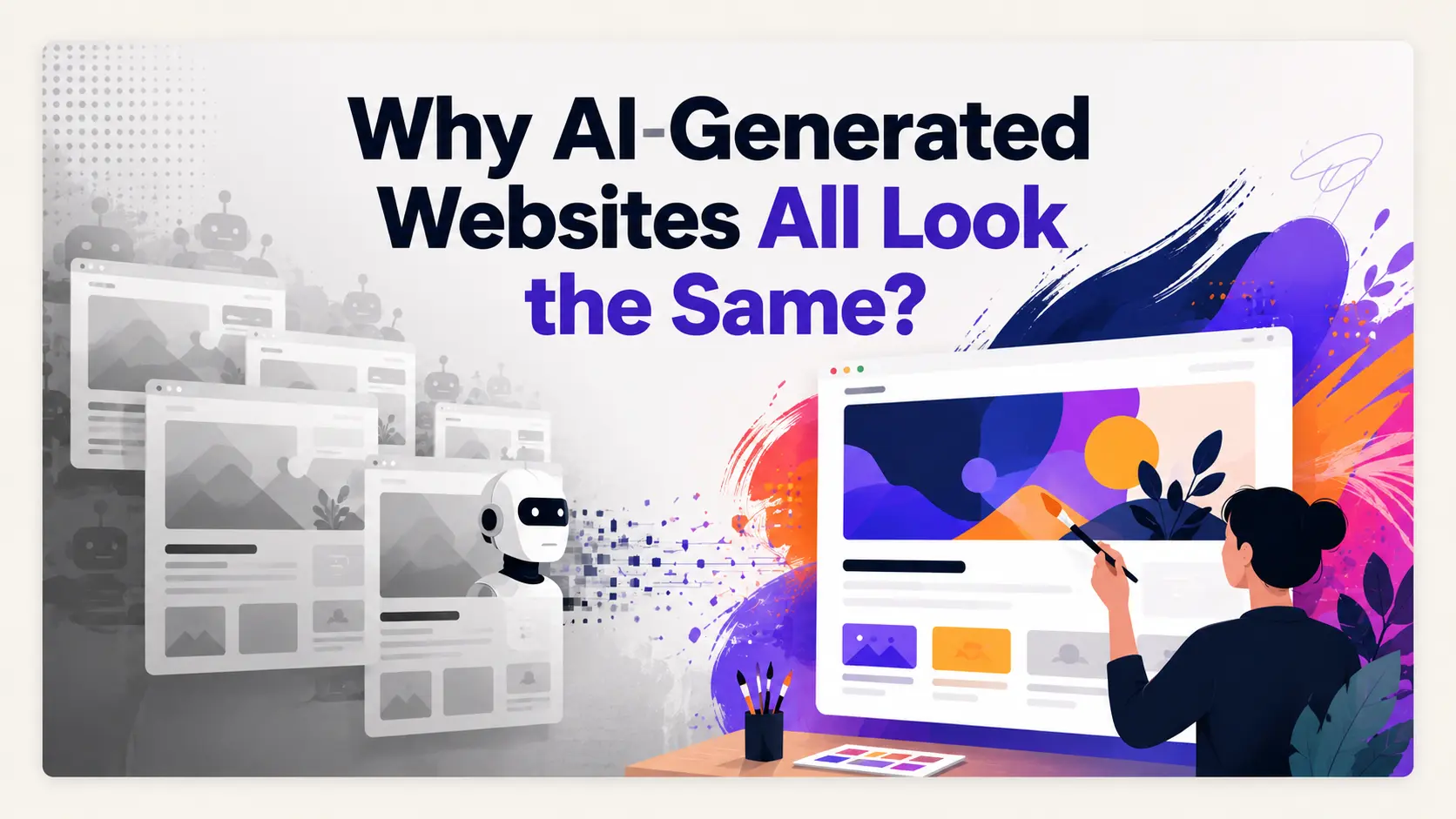
The default AI aesthetic is the result of nobody deciding. Choose a direction that fits the buyer: editorial and light for professional services, warm and human for HR or education, dense and technical for developer tools. Why AI-generated websites look the same explains why the default happens and how to break it.
11. A gallery of real outputs
For generative products, a scrollable set of real examples, each labelled with the input that produced it, is the most convincing proof available. Curate honestly: a gallery of only perfect results invites suspicion.
12. Show that you ship
AI moves quickly, and buyers worry about backing a product that stalls. A small changelog strip with the last three releases and their dates is a cheap, credible signal that the product is alive and improving.
A brief for an AI product landing page
More prompts by product type and direction are in the AI web design prompts guide.
Designing it with ResetUI
Disclosure: our product. ResetUI is an AI web designer for SaaS, and it is built to avoid the default AI aesthetic by matching every brief to an authored design specification rather than improvising a style. Describe your AI product and its buyer, and it composes the page in a committed direction you can then edit section by section. See the AI web designer for SaaS page for how it works.
Design an AI product page that does not look like every other one
Describe your product and its buyer. ResetUI designs the page in a committed direction, and the Free plan includes a full design every month.
Try ResetUI freeFrequently asked questions
What should an AI startup landing page include?
A headline that names the specific job the product does, a real input and output above the fold, proof from named customers, a few capabilities shown as screenshots, a short section on accuracy and human review, a clear answer on data handling, pricing explained with real usage examples, an FAQ and a single call to action repeated at the end.
How do I make an AI product landing page not look generic?
Drop the defaults: the purple gradient, the glowing orb, the sparkles icon and the six-card feature grid. Show the real product instead, and commit to a visual direction that fits your buyer, such as light editorial, warm and human, or dense and technical. A specific direction is what makes a page memorable.
Should an AI landing page mention which model it uses?
Only if it matters to the buyer. Developers and technical buyers sometimes care, and a short note in the FAQ or a technical section is enough. For most audiences, the model is an implementation detail, and the page should focus on the job done, its accuracy and how data is handled.
How do I show an AI product without a live demo?
Use a short recorded demo of one task, a hero that pairs a real input with its real output, and a gallery of labelled examples. Recordings are often better than live demos on a landing page because they are fast, reliable and show the best path through the product.
How should AI products present usage-based pricing?
Translate units into outcomes. Show what a typical month costs for a small, medium and large user, and what one credit or unit buys in real tasks. A short table of examples under the plans, plus a note about spending limits, removes most of the fear of an unpredictable bill.
See it on your own landing page.
Describe the page you want and ResetUI designs it in a direction you pick. Free to start, and you own the code you export.
Design my page