Guides
SaaS Landing Page Design: A Section-by-Section Guide, With AI Prompts
How to design a SaaS landing page section by section, from hero to final CTA: what each section must do, the common mistakes, and a ready prompt for each.
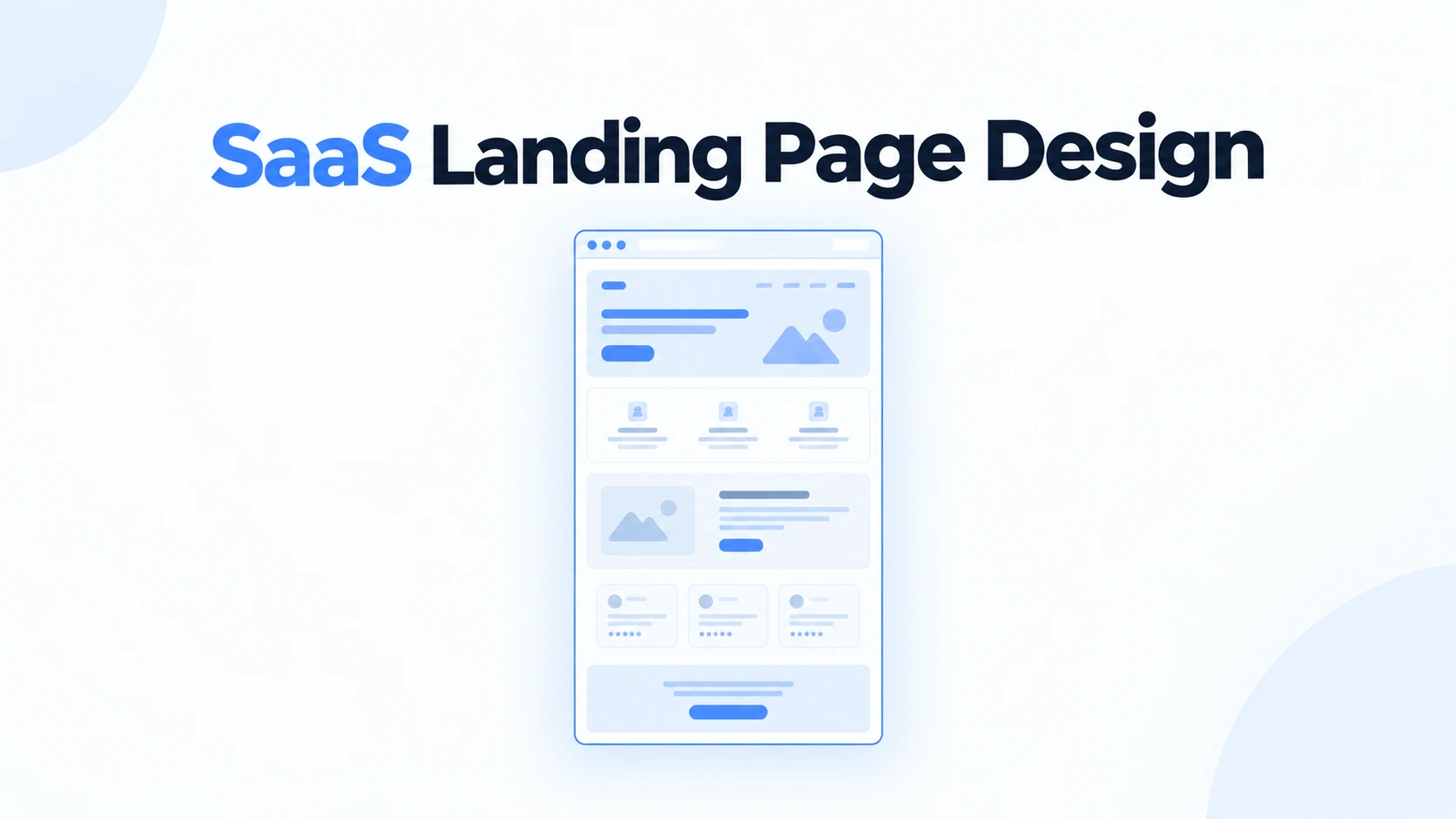
Most advice on SaaS landing pages is a gallery of screenshots with the word inspiration attached. Galleries are useful, but they show you what a good page looks like, not why each part of it is there. When you design your own page, or brief a tool to design it, the why is the part you need.
This guide goes through the page one section at a time. For each: the job it does, the mistakes that stop it doing that job, and a prompt you can give an AI web designer to produce it. The prompts work on their own, and they work better combined into one brief at the end.
What a SaaS landing page has to do
A visitor arriving from a search, an ad or a launch post gives the page a few seconds before deciding whether to read on. In that window the page has to answer four questions without being asked.
- 01What is it? The category and the outcome, in words the visitor already uses.
- 02Is it for me? Who it serves, specifically enough that the right people recognise themselves.
- 03Why should I believe it? Proof that someone like them already uses it.
- 04What do I do next? One obvious action.
Everything below the fold exists to deepen those four answers for the visitors who were interested enough to scroll.
The section order that works
| Order | Section | Its job | Skip it when |
|---|---|---|---|
| 1 | Navigation | Orientation and a persistent action | Never, but keep it to five links or fewer |
| 2 | Hero | Category, outcome and the primary action | Never |
| 3 | Proof strip | Immediate credibility | You have no real logos or numbers yet |
| 4 | Outcome | The problem and the change you make | The hero already says it fully |
| 5 | Product | Show the actual product doing the job | Never for software |
| 6 | How it works | Reduce perceived effort | Setup is genuinely one step |
| 7 | Testimonials | Deeper, specific proof | You only have generic quotes |
| 8 | Pricing | Remove the biggest unknown | Sales-led with no public pricing |
| 9 | FAQ | Answer objections | Never, it also helps search |
| 10 | Final CTA | Catch the visitors who scrolled to the end | Never |
Hero
The hero carries more weight than every other section combined. It needs a headline that names the outcome, a subheading that names the category and the audience, one primary call to action, and a visual that shows the product rather than decorating the space.
- A clever headline that only makes sense once you already know the product.
- Two buttons of equal weight, which makes the visitor choose before they are ready.
- An abstract gradient or 3D shape where the product screenshot should be.
- A subheading that repeats the headline in longer words.
Proof strip
A row of customer logos or two or three hard numbers, directly under the hero. Its job is to make the visitor's next thought trust rather than doubt. It works because it is fast to read: nobody studies a logo strip, they register that it exists.
- Logos you do not have permission to use, which is worse than no strip.
- Vague numbers such as thousands of happy users.
- A strip so large and colourful it competes with the hero.
Outcome
One section that names the problem in the visitor's words and the change your product makes. Before and after works well here, as long as it is the visitor's before and after, not a list of your features.
Product
This is where most generated pages fall apart, because the easy default is three feature cards with icons. A SaaS buyer wants to see the product. Use large screenshots, each paired with one clear claim, alternating sides or stacked with plenty of room. Three to five features is enough. A list of twelve says you could not decide which ones matter.
- Icon grids where every feature looks equally important.
- Screenshots so small the interface is unreadable.
- Feature names that are internal jargon rather than what the user does.
How it works
Three numbered steps from sign-up to the first useful result. The goal is to make the product feel easy to start. If a step needs a paragraph to explain, it is two steps, or the onboarding needs work before the page does.
Testimonials
Specific beats glowing. A quote that names a result, with a real name, role, company and photo, does more than five quotes that say the product is amazing. If you have a strong case study, one large quote with a number in it can replace a whole grid.
Pricing
For self-serve SaaS, a pricing section on the landing page removes the biggest unknown and filters visitors who were never going to pay. Two or three plans, one marked as recommended, with the differences stated in plain terms rather than a forty-row feature matrix.
FAQ
Six to ten real objections, answered plainly: price, data, switching cost, what happens when you cancel, whether it works with the tools they already use. FAQs also serve search engines and AI assistants, which often lift a well-written answer directly.
Final call to action
Restate the outcome in one line and repeat the primary action. Visitors who reach the bottom have read everything and are deciding. Give them the button without making them scroll back up.
The design decisions that hold the page together
Sections are the structure. These are what make the structure look designed rather than assembled.
- Two typefaces at most. One for display, one for text, or one family used throughout. A clear type scale with a large jump between the headline and the body.
- One accent colour. Used for the primary action and very little else. Everything else is neutrals.
- A spacing rhythm. Pick a base unit and use multiples of it. Inconsistent gaps are the most common reason a page feels off without anyone knowing why.
- A readable measure. Body text around 45 to 75 characters per line.
- Contrast that passes. WCAG AA asks for at least 4.5 to 1 for body text. Light grey on white usually fails.
- One image style. Product screenshots framed the same way throughout, rather than a mix of screenshots, stock photos and illustrations.
Most of what makes a page look machine-made is a failure on this list rather than in the section order. Why AI-generated websites look the same explains how that happens and how to prevent it.
Designing the whole page with an AI web designer
The section prompts above work individually. The better approach is to combine them into one brief, so the tool can make the page coherent rather than assembling ten independent parts.
Thirty more prompts, including variations by product type and visual direction, are in the AI web design prompts guide. For pages built from real, well-known SaaS sites, see SaaS landing page examples and the prompts behind them.
If you would rather not assemble the brief by hand, ResetUI is an AI web designer for SaaS that composes a purpose-built section order automatically for a landing page, and a different one for pricing, waitlist or sign-in pages. Disclosure: it is our product.
Turn this guide into a page
Paste your one-paragraph brief into ResetUI and get the whole landing page designed in a committed direction. Free to start.
Design my landing pageFrequently asked questions
What sections should a SaaS landing page have?
A dependable order is navigation, hero, a proof strip, an outcome section, a product walkthrough, how it works, testimonials, pricing, FAQ and a final call to action. Each answers a question the visitor has at that point. Skip a section only when you genuinely have nothing real to put in it, such as testimonials before you have customers.
How long should a SaaS landing page be?
Long enough to answer every serious objection, and no longer. For most self-serve products that is eight to ten sections. Length is rarely the problem on its own. Padding is, such as feature grids with twelve items or several sections that repeat the same claim.
What makes a good SaaS hero section?
A headline that states the outcome in plain words, a subheading that names the category and audience, one primary call to action, and a real product screenshot. The most common mistakes are clever headlines that need context, two competing buttons, and abstract art where the product should be.
Should a SaaS landing page show pricing?
For self-serve products, usually yes. Pricing is the biggest unknown for most visitors, and hiding it pushes them to leave and search for it. Sales-led products with custom contracts are the main exception, and even they benefit from a starting price or a clear explanation of how pricing works.
Can I design a SaaS landing page without a designer?
Yes. Following a proven section order and a small set of design rules, one accent colour, two typefaces, consistent spacing and real product screenshots, gets most founders to a credible page. An AI web designer can then produce the visual design from a written brief, which removes most of the remaining work.
See it on your own landing page.
Describe the page you want and ResetUI designs it in a direction you pick. Free to start, and you own the code you export.
Design my page