Explainers
Redesign or Rebuild: When to Use an AI Redesign Tool Instead of v0 or Lovable
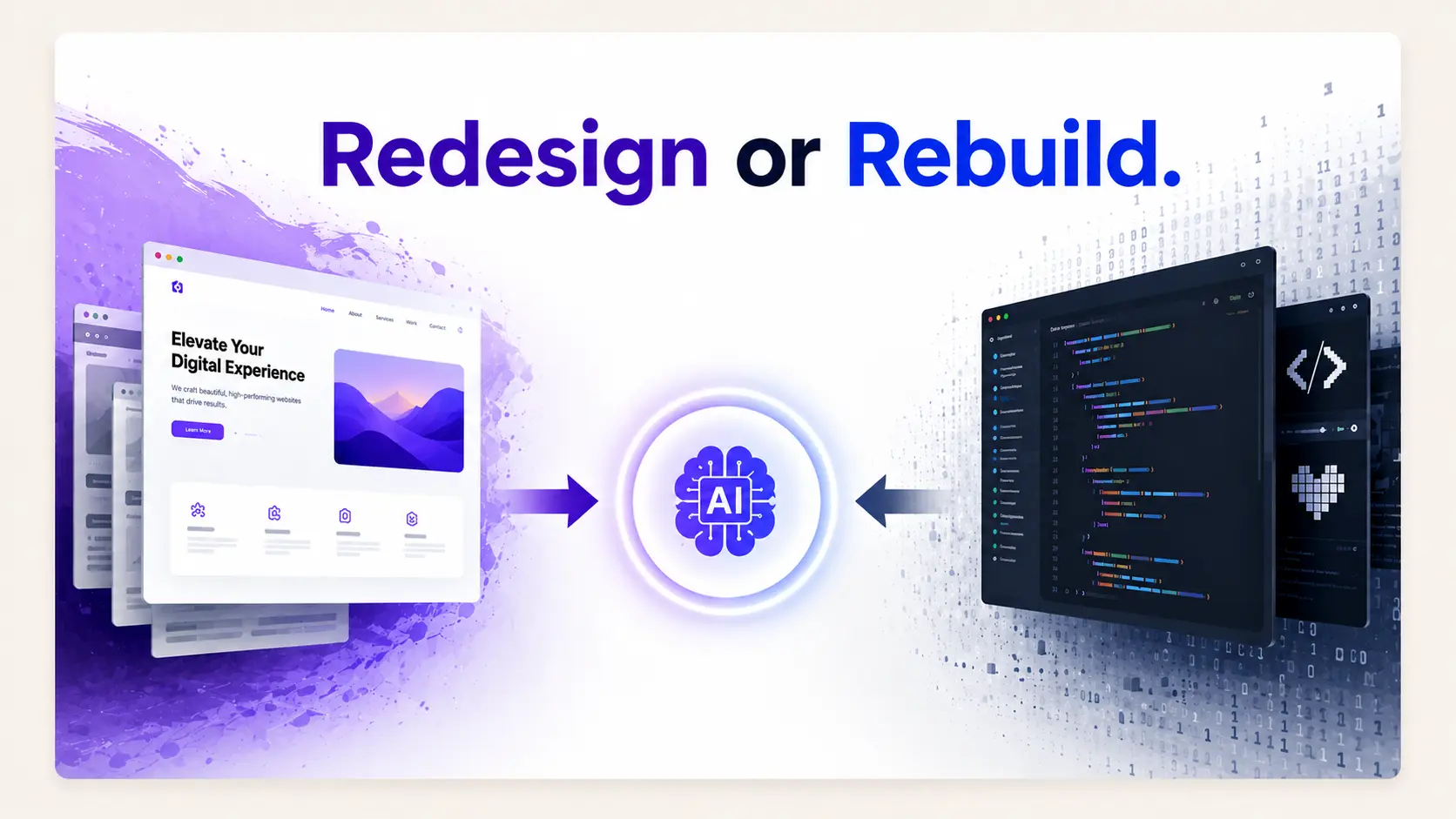
v0 and Lovable build from scratch. Redesign tools start from your existing URL. Here is how to tell which one your project needs before you waste a week.
Here is a scenario that plays out constantly. A founder has a landing page that has been live for a year. It ranks for a few terms, the copy took real effort to get right, and it looks dated. They open v0, type "redesign my SaaS landing page, modern and clean", and get back something genuinely impressive that has nothing to do with their product.
So they paste in their headline. Then their feature descriptions. Then they realise the new page has five sections and theirs had eight, so they restructure. Two days later they have a page that is different rather than better, and their old page's rankings are gone because the new one shares none of its content.
None of that is v0 failing. It did exactly what it is built to do. It was the wrong tool for the job.
The two jobs, precisely
It helps to name what each category actually does with its input.
| From-scratch builder | URL-based redesign tool | |
|---|---|---|
| Input | A text prompt | A live URL, plus a prompt |
| Knows your site | No | Yes, it reads the page |
| Your copy | You paste it in afterwards | Extracted and reused automatically |
| Your brand | You describe it | Extracted from the live page |
| Section structure | Invented | Derived from what you have |
| SEO continuity | You rebuild it manually | Preserved by default |
| Best case | A page that does not exist yet | A page that does |
| Examples | v0, Lovable, Bolt, Base44 | ResetUI, Revamp, Redesignr, Shuffle |
The row that matters most is the one about copy. Landing page copy is usually the most expensive thing on the page. It took iteration, it reflects things you learned from customers, and it is what search engines indexed. A tool that discards it is asking you to pay that cost again.
The decision, in one question
There are edge cases where the answer is less clean. Three worth naming:
- The page exists but the copy is wrong. If the message itself is the problem, preserving it is not a virtue. Rewrite the copy first, then redesign around the new version. A redesign tool will faithfully carry forward a message that was not working.
- You are changing what the product is. A repositioning is not a redesign. Start fresh.
- The page is one screen with almost no content. If there are forty words on it, there is nothing to preserve. Either tool works and the builder is probably faster.
The SEO argument nobody makes loudly enough
This is the part that costs real money and gets the least attention in tool comparisons.
If your landing page ranks for anything, it ranks partly because of the words on it. Your headings, your body copy, the specific phrases that match what people search. When a builder generates a new page from a prompt, every one of those words is replaced with something a model invented. The page is new in the sense that matters to a search engine: it no longer contains what was indexed.
A redesign tool that extracts and reuses your copy keeps that intact by default. You are changing presentation, not substance, which is exactly the change search engines are relaxed about.
This holds for AI search too. Answer engines quote text. A page whose text was replaced wholesale loses whatever it had accumulated. The safe-launch checklist in the AI landing page redesign guide covers what else to preserve.
When a builder is genuinely the right call
This is not an argument that builders are worse. They are better at their job, and their job comes up often.
- A new product with no page yet. Obvious, and the most common case.
- A campaign or launch page that needs to be separate from your main site.
- A page that needs real application behaviour, like a calculator, a configurator, or a signup flow with logic. Redesign tools output pages, not applications.
- A full-stack MVP where the landing page is one small piece. Lovable in particular scaffolds auth, database, and payments alongside it.
- You are on a framework the redesign tools do not export to.
If you have landed in this column, the v0 versus Lovable versus Bolt comparison is the next thing to read.
When a redesign tool is the right call
- The page exists, it works, and it looks older than the product is.
- The copy took effort and you want to keep it.
- The page has search rankings you would rather not reset.
- Your brand colours and type are already decided and should carry over.
- You want to see three directions for the same content before committing to one.
ResetUI is built for this case specifically, and narrowly: SaaS and software landing pages, reading your live URL, keeping your copy and brand, exporting code you own. The wider set of options is compared in the 12 best AI website redesign tools.
See the difference on your own page
Paste your URL and watch your existing copy come back in a new design rather than being replaced by invented text.
Try a redesign freeThe hybrid approach that works well
You are not required to pick one forever. A pattern that works, particularly for teams with some engineering capacity:
- 01Use a redesign tool to produce two or three directions from your existing page. This is fast and preserves your content.
- 02Pick the direction that fits, and export the code.
- 03Take that code into your own repository and use a coding assistant to refine specifics: interactions, edge cases, the bits of spacing that are close but not right.
- 04Ship, keeping URLs, headings, and metadata from the original page.
That sequence uses each tool for what it is good at. The redesign tool does the part that requires knowing your site. The coding assistant does the part that requires knowing your codebase. Neither is asked to do the other's job.
In summary
v0, Lovable, and Bolt are excellent and none of them reads your website. ResetUI, Revamp, Redesignr, and Shuffle do read it and none of them will build you an application. Match the tool to whether the thing already exists, and most of the difficulty in this decision disappears.
Frequently asked questions
Can v0 redesign my existing website?
Not directly. v0 generates from a text prompt and has no knowledge of your live site, so a redesign means describing what you want and then manually reassembling your own copy, structure, and brand in the result. Tools that read a URL, such as ResetUI, Revamp, or Shuffle, do that extraction automatically.
Is Lovable good for redesigning a landing page?
Lovable is strong at building new applications with auth, a database, and payments included, but it starts from a prompt rather than your existing site. For a pure landing page redesign most of that capability goes unused and you still have to supply your own content. A URL-based redesign tool is a closer fit.
Will rebuilding my landing page from scratch hurt my SEO?
It can, significantly. If your page ranks, it ranks partly because of the specific words on it. A from-scratch build replaces all of that text with generated copy, so the page no longer contains what was indexed. A redesign tool that extracts and reuses your existing copy avoids the problem by changing presentation rather than substance.
What is the difference between an AI website builder and an AI redesign tool?
A builder takes a text prompt and invents a page. A redesign tool takes a live URL, reads the page's copy, structure, and brand tokens, and rebuilds the design around that existing content. Builders are for pages that do not exist yet, redesign tools for pages that do.
Can I use both an AI redesign tool and a coding assistant together?
Yes, and it works well. Use the redesign tool to generate directions from your existing page and export the code, then refine that code in your own repository with a coding assistant. The redesign tool handles the part that requires knowing your site, and the assistant handles the part that requires knowing your codebase.
See it on your own landing page.
ResetUI reads your existing page, keeps your copy and brand, and rebuilds it in a design direction you pick. Free to start, and you own the code you export.
Redesign my page