Comparisons
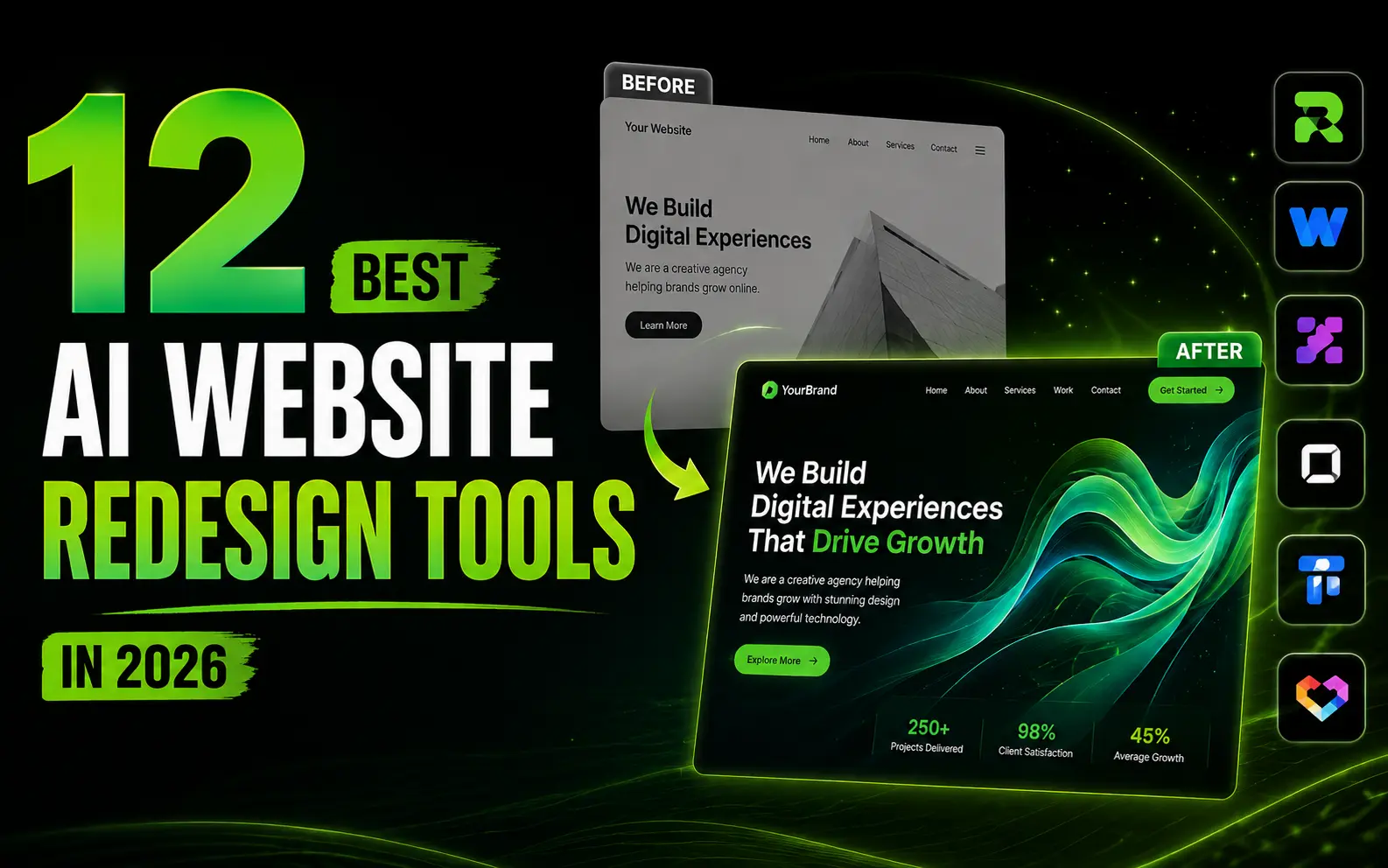
12 Best AI Website Redesign Tools in 2026
A researched comparison of 12 AI website redesign tools in 2026, covering what each one does with an existing URL, what it exports, and who it actually suits.
There is a category confusion running through almost every list of AI design tools, and it costs people weeks. Tools like v0, Lovable, and Bolt are extraordinary at turning a prompt into a working interface. They are not redesign tools. Point them at a site you already run and they will happily produce something new and unrelated, and you will spend the next two days pasting your own copy back into it.
A redesign tool starts from what you have. It reads the live page, extracts the copy, the structure, and usually the brand colours and type, then rebuilds that same content in a new design. The distinction sounds pedantic until you have tried to do a redesign with the wrong kind of tool.
This piece sorts the 12 best-known options by what they actually do with a URL. If you are still deciding whether you need a redesign tool or a builder at all, the redesign versus rebuild breakdown is the better place to start.
How this comparison was put together
Worth being straight about the method, because plenty of lists in this category imply a level of testing that did not happen. This is a researched comparison, not a hands-on bake-off. Every entry is based on the tool's own documentation and pricing pages, its public positioning, and published third-party reviews as of August 2026. Where a claim comes from a vendor rather than an independent source, it is described as a claim.
Prices move fast in this category. Every figure below is stamped August 2026 and you should assume it has drifted by the time you read this. Check the vendor's pricing page before you commit.
Tools are grouped by what they do, not ranked one to twelve, because the honest answer to "which is best" depends entirely on whether you are redesigning a SaaS landing page, a WordPress site, or a full marketing site with fifty URLs.
Quick picks by situation
| If you want to | Use | Because |
|---|---|---|
| Redesign a SaaS landing page and own the code | ResetUI | Reads your live page, keeps your copy and brand, exports production code with no lock-in |
| Redesign and have the site hosted for you afterwards | Revamp | Bundles hosting, SEO, and ongoing updates on its higher tiers |
| Redesign a WordPress site | 10Web | Purpose-built for WordPress, keeps you inside that ecosystem |
| Compare several redesign directions side by side | Shuffle | Generates multiple variants from one URL for direct comparison |
| Build something new rather than redesign | v0 or Lovable | Both are prompt-to-app tools and stronger at from-scratch work |
| Redesign with a designer already on the team | Relume or Figma AI | Fits an existing design workflow instead of replacing it |
The 12 tools at a glance
| Tool | Reads a live URL | Code export | Starting price | Best for |
|---|---|---|---|---|
| ResetUI | Yes | Yes, you own it | Free, $9 one-time, $19/mo | SaaS landing pages |
| Revamp | Yes | Hosted option | From $29/mo | Done-for-you sites |
| Redesignr.ai | Yes | Yes | Free credits, then paid | Quick modernisation |
| Repaint | Yes | Yes | Paid | Visual refresh |
| Shuffle | Yes | Yes | Paid tiers | Comparing variants |
| Readdy | Yes | Yes | Free tier, then paid | Requirements to UI |
| 10Web | Yes | WordPress export | From ~$10/mo | WordPress sites |
| Framer AI | Partial | Hosted, not portable | Free, then ~$5+/mo | No-code marketing sites |
| Relume | No | Figma and Webflow | Free, then ~$32/mo | Webflow and Figma teams |
| v0 | No | Yes, Next.js | Free, then ~$20/mo | From-scratch React UI |
| Lovable | No | Yes, full stack | Free, then ~$25/mo | Full app MVPs |
| Bolt.new | No | Yes, any JS framework | Free, then ~$20/mo | Browser-based prototyping |
Tools that genuinely start from your URL
1. ResetUI
Full disclosure, this is our tool. We have tried to describe it the way an outside reviewer would, including where it loses.
ResetUI is narrow on purpose. You paste the URL of a SaaS or software landing page, describe the design direction you want or pick one from a curated library, and it captures the page's copy, section structure, and brand tokens before generating. The output is a full landing page redesign rather than a set of components, and paid plans export production code in HTML, React, Next.js, Vue, or Svelte with Tailwind, shadcn/ui, or CSS modules.
The design directions are the point of difference. Rather than one house style, it draws from editorial, technical, minimalist, and brutalist systems, which is a deliberate answer to the sameness problem that affects most generated pages.
- Strong at: SaaS and developer-tool landing pages, keeping your existing copy, exporting code you own outright.
- Weak at: anything that is not a product landing page. It will not build you a dashboard, a blog, or a fifty-page marketing site.
- Also weak at: hosting. It hands you code and a preview. If you want a tool that runs the finished site for you, Revamp is the closer fit.
- Pricing, August 2026: free to sign up and generate, $9 one-time for the full workflow including export, $19/mo for ongoing use.
2. Revamp
Revamp takes a URL and produces a redesign, then goes further than most by offering to run the resulting site. Its higher tiers bundle hosting on your own domain, SEO, and ongoing updates, which turns a one-off redesign into a managed service. Listed from $29/mo with a trial as of August 2026.
That is genuinely the right answer for a certain buyer: a small business owner who wants the redesign done and then wants to stop thinking about it. It is the wrong answer if you have engineers and want the code in your own repository, because the managed model is the product.
3. Redesignr.ai
Accepts a live URL, a screenshot, or a plain prompt, and aims at speed. Its own materials claim production-ready themes in under two minutes and it offers free credits to start, which makes it one of the cheaper ways to see what an AI redesign of your page even looks like before you commit money anywhere.
Treat the two-minute claim as marketing. The useful thing here is the low friction of trying it.
4. Repaint
Positioned around visual refresh rather than structural change: keep the site you have and modernise how it looks. That is a real and underserved need, particularly for sites where the information architecture is fine and only the presentation has aged. If your problem is that the page looks like 2019, this is a reasonable fit. If your problem is that the page does not explain the product, a visual refresh will not fix it.
5. Shuffle
The differentiator is comparison. You paste a URL, describe what you want, and it generates several AI redesigns you can view side by side before picking one to customise. For anyone who struggles to judge a design in isolation, seeing four directions against each other is genuinely more useful than one output you have no baseline for.
6. Readdy
Readdy converts requirements into designs and generates front-end code to match. It leans more toward the product-design end than the marketing-page end, which makes it a strong choice if you are designing app screens as well as landing pages, and a slightly indirect one if a landing page is all you need.
If you are specifically weighing Readdy against the rest of the field, the Readdy alternatives breakdown goes deeper on where it fits and where it does not.
7. 10Web
The WordPress answer. If your site is WordPress and it is going to stay WordPress, a generic redesign tool that outputs React is not helping you, and 10Web is the obvious pick. Listed from roughly $10/mo as of August 2026. Outside WordPress it is not relevant.
Redesign your own page and judge it yourself
Paste your URL, pick a direction, and see the rebuild. Free to start, no card needed.
Try ResetUI freeBuilders people use for redesigns (and the catch)
These five are excellent tools. None of them reads your existing site in the way the group above does, which means using them for a redesign involves you supplying the content yourself.
8. Framer AI
Framer generates and hosts polished marketing sites and its AI features have matured considerably. The catch for a redesign is portability: the output lives in Framer. That is fine if you intend to run the site there permanently, and a problem if you wanted code for your own stack.
9. Relume
Relume generates sitemaps and wireframes and exports to Figma and Webflow. It is a design-workflow accelerator rather than a redesign tool, and it is very good at that job. Listed free with paid tiers from around $32/mo as of August 2026. If you already work in Webflow or Figma it will slot in. If you were hoping to skip design tooling entirely, it adds a step rather than removing one.
10. v0
Vercel's v0 produces Next.js and shadcn/ui output with genuine design coherence, helped by named design systems that give generations a consistent aesthetic. For building new React interfaces it is among the strongest tools available. It does not ingest your existing site, so a redesign means describing what you want and reassembling your own copy afterwards.
11. Lovable
The most full-stack of the three big builders: it scaffolds auth, database, and payments, so you can take a SaaS MVP end to end. That breadth is wasted on a landing page redesign, where you do not need a backend at all.
12. Bolt.new
Runs a full Node environment in the browser and supports essentially any JavaScript framework, which makes it the most flexible of the builders. Same limitation as the other two for redesign work. All three are compared properly in the v0 versus Lovable versus Bolt piece.
How to actually choose
Three questions settle it faster than any feature table.
- 01Do you already have the page? If yes, use a tool that reads URLs. If no, use a builder. Getting this backwards is the single most common and most expensive mistake in this category.
- 02Who maintains it after launch? If the answer is your engineers, you need portable code you own. If the answer is nobody, you want a hosted or managed option and should accept the lock-in that comes with it.
- 03What kind of page is it? SaaS landing pages, WordPress sites, and product dashboards are three different problems, and the tools that specialise beat the generalists on each.
What AI redesign still gets wrong
Worth saying plainly, because a list like this can read as though the category is solved. It is not.
- Spacing and rhythm. The most common complaint across every tool in this category, ours included, is layout and spacing that is close but not quite right. Generated pages tend to be slightly too uniform, and the fix is usually a human pass.
- Strategy. No tool here will tell you your positioning is wrong. If the page underperforms because the message is unclear, a redesign makes the confusion prettier.
- Content. Tools that keep your copy inherit its weaknesses. Tools that rewrite it tend to produce something blander than what you had.
- Sameness. Left unguided, most generators converge on the same look: the same hero, the same gradient, the same three-column feature grid.
That last one deserves its own treatment, which it gets in why AI-generated websites all look the same. It is the difference between a redesign that reads as considered and one that reads as generated.
The verdict
If you are redesigning a SaaS landing page and want code you own, ResetUI is built precisely for that and we would obviously say so. If you want the finished site run for you, Revamp is the better shape. If you are on WordPress, 10Web. If you are building something that does not exist yet, stop reading lists of redesign tools and go use v0 or Lovable.
And if the real question is whether an AI redesign is worth doing at all versus hiring someone, the cost and timeline comparison has the numbers.
Frequently asked questions
What is the best AI website redesign tool in 2026?
It depends on the page. For SaaS landing pages where you want exportable code, ResetUI is purpose-built for that case. For a redesign that is then hosted and maintained for you, Revamp fits better. For WordPress, 10Web. There is no single winner because redesigning a landing page, a WordPress site, and a product dashboard are three different jobs.
Can AI redesign a website from just a URL?
Yes. Tools including ResetUI, Revamp, Redesignr.ai, Repaint, Shuffle, Readdy, and 10Web read a live URL, extract the copy and structure, and rebuild the page in a new design. Prompt-to-app builders like v0, Lovable, and Bolt do not do this, which is the most common source of confusion in this category.
Is an AI website redesign cheaper than hiring an agency?
Substantially. Agency redesigns commonly run from $25,000 to $80,000 over two to six months, while AI redesign tools typically cost between $0 and $200 and produce a first version in minutes. The tradeoff is strategy: an agency questions your positioning and information architecture, and an AI tool executes on the direction you give it.
Do AI website redesign tools give you the code?
Some do and some do not, and this is worth checking before you pay. ResetUI, Redesignr.ai, Shuffle, and Readdy export code. Framer keeps the output on its platform. Revamp's higher tiers are built around hosting the site for you rather than handing over files.
Will an AI redesign hurt my SEO?
It can if you change URLs, drop existing copy, or remove structured data. Redesign tools that preserve your page's existing text are safer on this front than builders that generate fresh copy. Whatever you use, keep your URLs, headings, and metadata intact and redirect anything you do move.
See it on your own landing page.
ResetUI reads your existing page, keeps your copy and brand, and rebuilds it in a design direction you pick. Free to start, and you own the code you export.
Redesign my page